
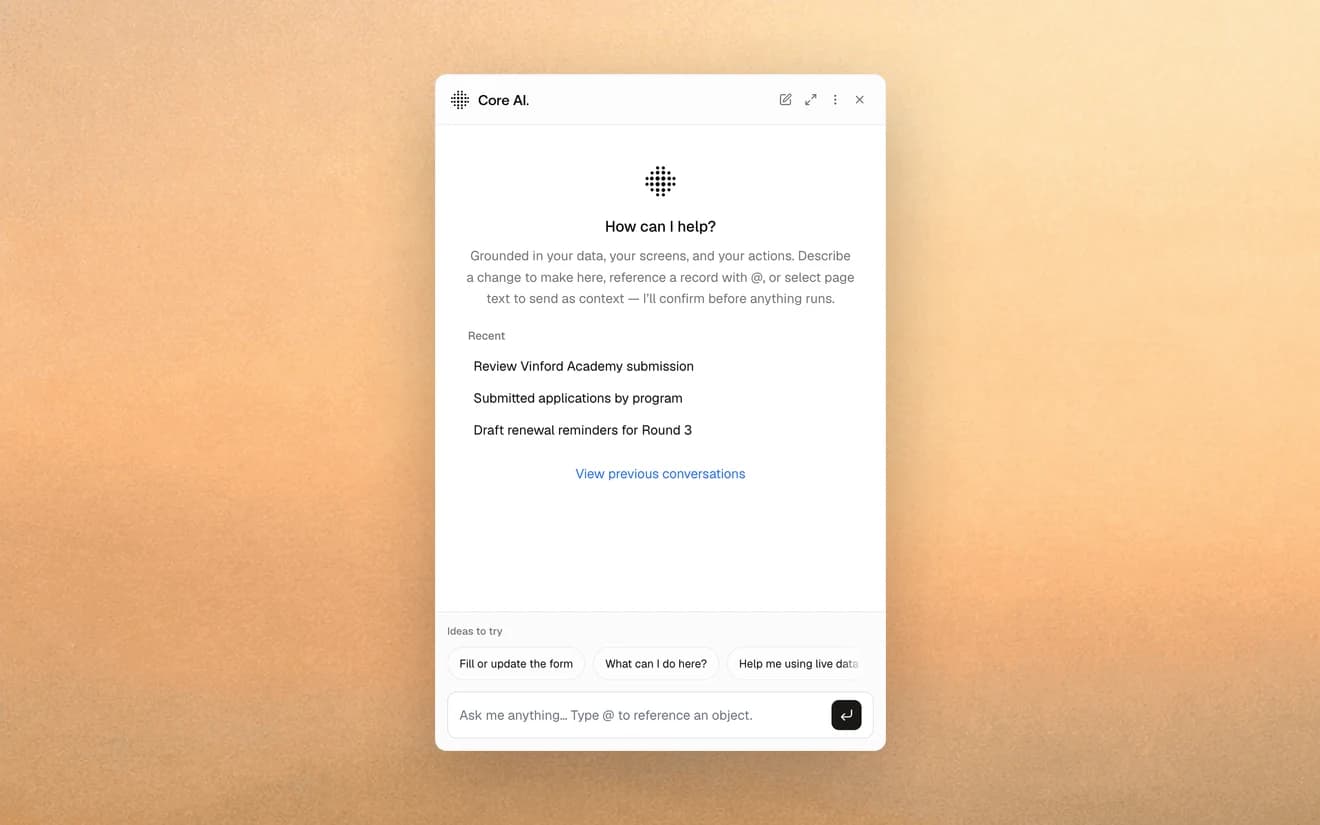
AI that takes a step of the work and hands you the decision.
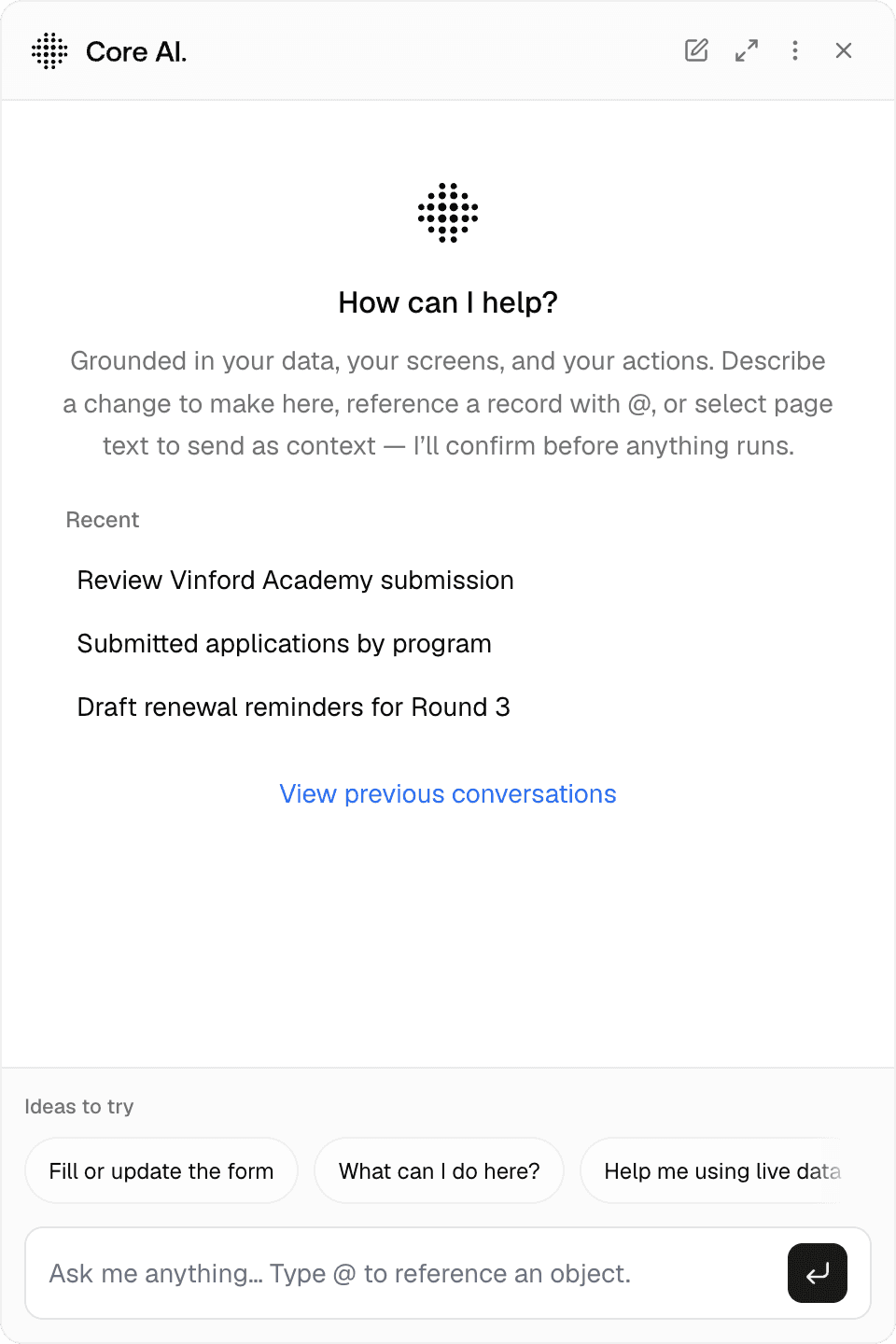
Most AI in operations stops at a chat window: it can talk about your business, but it can't do anything in it. Core AI is built into the work. It reads applications and inbound requests, drafts records, fills forms under your validation, answers questions on your data within your permissions, and runs Core actions behind a confirmation step — with every action logged. If your team already works in Claude, ChatGPT or Copilot, they can connect it to Core through MCP and work on the same data, under the same rules.

A chatbot bolted onto your data isn't operational AI. It's a search box.
Generic copilots don't know your entities, your states, or your rules. They guess at IDs, invent fields, and stop short of doing the work — because they have no safe way into the systems of record.
And most people don't become more productive just because a chat window appears next to their tools. The gains come when AI sits inside the flow: the first read of an application, the draft of a reply, the fields pre-filled from an email, the step that runs on its own until a person needs to decide.
That is how Core AI is built. It works from the same data model as your team, inside the same screens and workflows, under the same permissions, audit trail, and approvals as anyone else.
Grounded in your data. Acting with your approval.
AI inside your flows
Workflows can hand a step to Core AI — read every attachment when an application round closes, sort an inbound lead, draft the reply — and hand the result to a person to decide. At Visita, the first read of a certification application is handled this way — the decision stays with a reviewer.
Inline help in forms and fields
Pull a name, a plate number, or an order line out of an email. Suggest a value. Draft a text. In the field where it belongs, checked by the same validation your team's own input goes through.
Grounded in your model, within your permissions
Core AI reads the schema behind your Core: entities, relationships, allowed states, and the rules between them. Ask about this client's open orders or last month's exceptions, and it queries the data the way the platform does, so it only sees what you're allowed to see and its references resolve to real records you can open. Fields you mark sensitive are excluded from what Core AI sends to the model.
Bring your own AI through MCP
Prefer Claude, ChatGPT or Copilot? Connect it to Core through MCP. It works with your permissions, so it can prepare a client meeting or go through last quarter's orders. Any change it suggests waits for a person to approve it.
Actions with approval
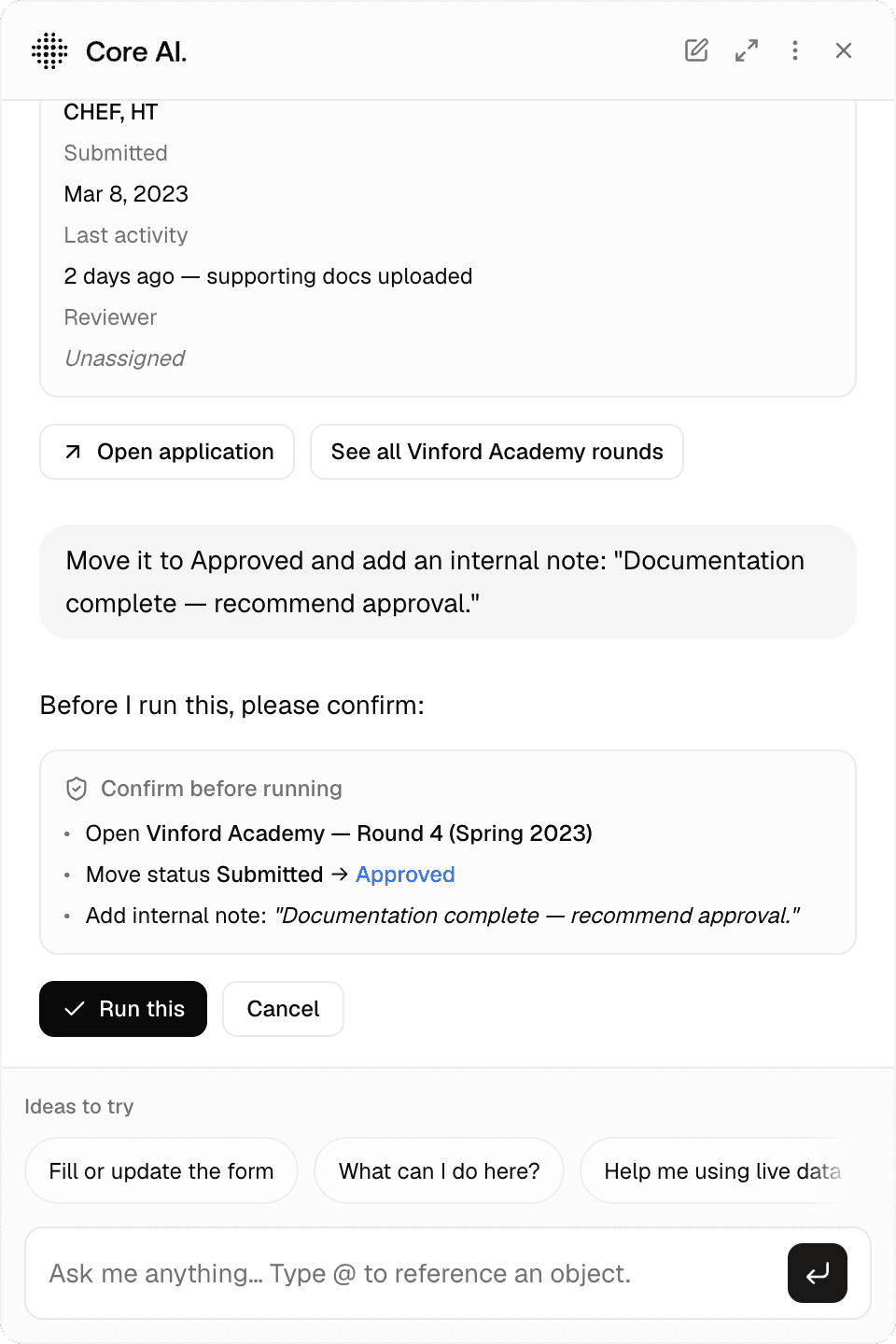
Create a quote, escalate a case, dispatch a job: Core AI can run Core actions behind a confirmation step. Each one lands in the audit trail credited to both the person who approved it and Core AI, the way a commit credits a co-author, and is retained like any other audit entry.
Permission-aware, included
No separate AI permissions to manage: Core AI inherits role-based access from Core, and it is part of every Core subscription rather than a per-seat add-on. It runs on a commercial AI model under our contract, not yours — today OpenAI, with region and retention listed at trust.inly.se. Your prompts and outputs are never used for training.


Core AI multiplies the value of everything else.
Data makes Core AI accurate — grounded in your model, not a generic vector store.
Workflows give Core AI its place in the process — triage, first reads, drafts, and handoffs.
Applications and Core Portal give it a surface — the same screens your team and your clients already use.
Security governs every read and every action — the AI's writes land in the same audit trail as anyone else's.
We deploy AI inward — read-only first, then trusted to act.
Start where the reading is heaviest and the decision stays human: the first pass on an application, the sort of an inbox. Let Core AI surface and draft, with no writes and no actions. Build trust against real work.
Expand to forms and actions one workflow at a time, each behind explicit approval. The agent grows into the operation the way a new hire would — visibility first, judgment second, authority last.